 Blog
Blog Links
Links Contact
 About
AboutCozyNet site updates 03/19/26
Publish Date: 2026-03-19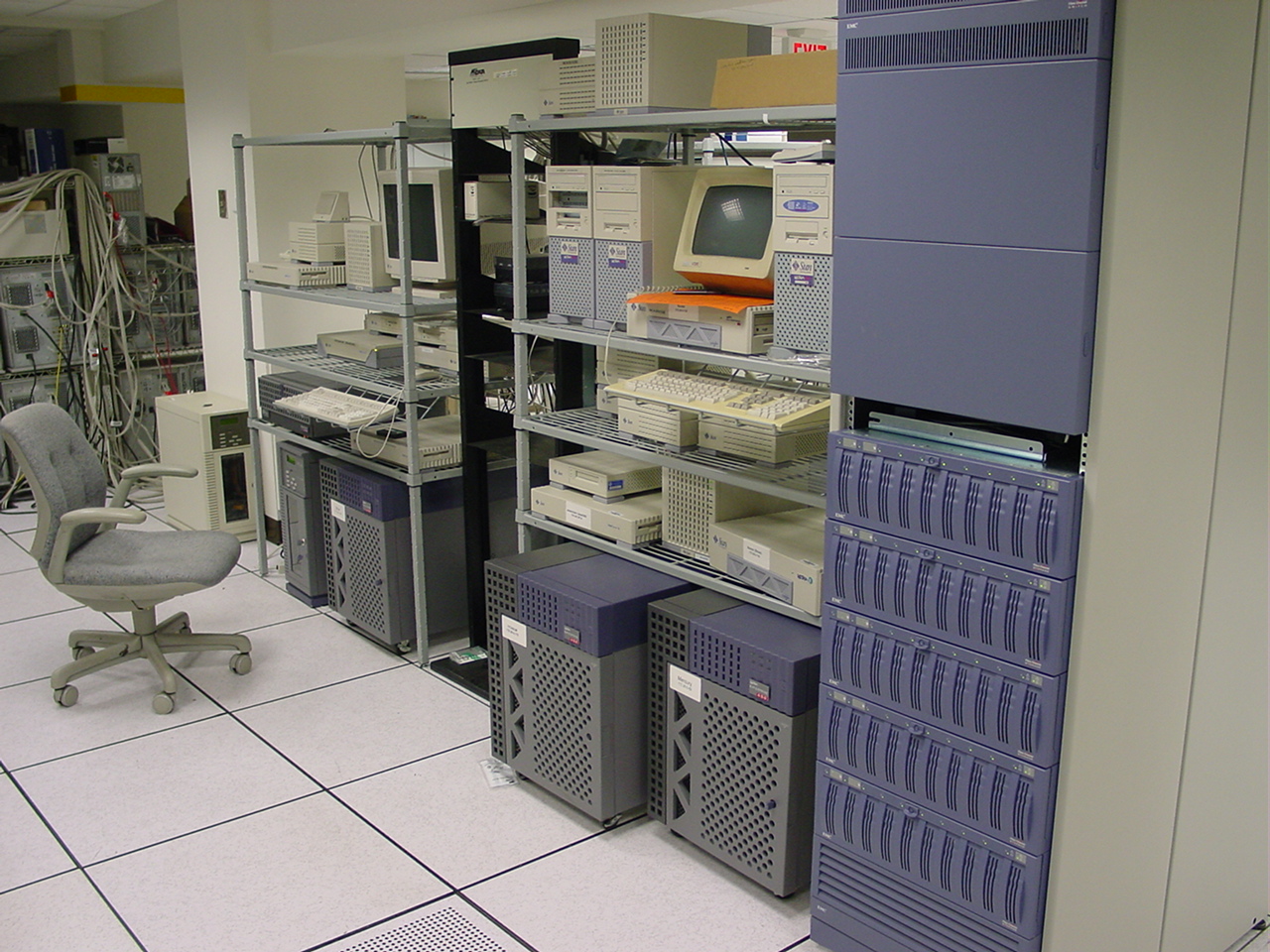
Dream server room.
The last few days here I've been moving the CozyNet site to a different hosting provider. Originally CozyNet was setup on a VPS with Afterburst, but unfortunately they're planning to shut down their operation this May.
Afterburst is a smaller VPS hosting provider and have stated in an email that due to the rising cost of hardware, they're priced out and unable to afford equipment. I suppose other smaller hosting providers out there are feeling the squeeze too. Hopefully the new host (Bluehost) will be able to weather the storm, otherwise I might just have to resort to actual self hosting on my home internet!
Self hosting at home isn't viable, especially for email. It's perhaps not so bad for a text only site.
So this was roughly a three day ordeal. I actually spent a few days looking for a new host, so I'm counting from there.
- Day 1, I secured the server and setup my accounts.
- Day 2, I migrated a tar archive backup of the old server to the new and spent all day long re-installing all my services (i.e. Apache, MySQL, Postgres, various modules including Perl CPAN stuff) and setting up various service accounts and service groups. I also discovered some important things that weren't included in my backup script, so had to hunt all that down when I was copying over my configurations.
- Day 3, I spent most of it migrating the mail server. The previous day I contacted support to setup a PTR record so I could start off the next morning with it already knocked out. There are a lot of moving parts to a mail server which makes it time consuming to migrate, which amazingly I got working first try!
I did re-discover a small undocumented change that I made on the old server for the opendmarc and opendkim services though. I prefer running Postfix in a chroot, which I'm assuming the Debian package maintainer for opendmarc and opendkim didn't take into account and forces the service to establish a PID outside the chroot due to how the systemd unit file is configured. That's not supposed to be there because the services will pick up the default config files to point them where the PID should go. Mine were setup for the chroot, but because of the misconfigured unit file, it was bypassing my config settings. I only had to comment out their PID line in the unit file, reload the systemd daemon, then startup opendmarc and opendkim!
I also decided to get a little fancy and setup my own DNS resolver too since my old mail server was running into a public resolver block situation with DNSBL. It reminded me of the Spamhause situation a few years ago which I chose to go without. Since I'm running my own resolver here, I could probably re-enable the Spamhause filter, but they left a bad taste in my mouth for default labeling everything as spam all for using a public resolver, which was scummy in my book.
So far everything appears to work. I also re-documented the whole process just in case I have to do it again. I'm happy to say that the migration went smoothly!
I'll remove the ugly red banner on top of the site soon. I'm keeping it up for now because I'm bouncing between the old and new server to test things and it helps me to know just which one I'm on.
Thanks for reading my blog!
[Back to top]
Comments: